
How to Build an Artist Website: A Practical Guide for Artists
A practical guide for visual artists to building a professional website that presents work clearly, supports enquiries and sales, and connects public presentation with a serious studio archive.
20 min read
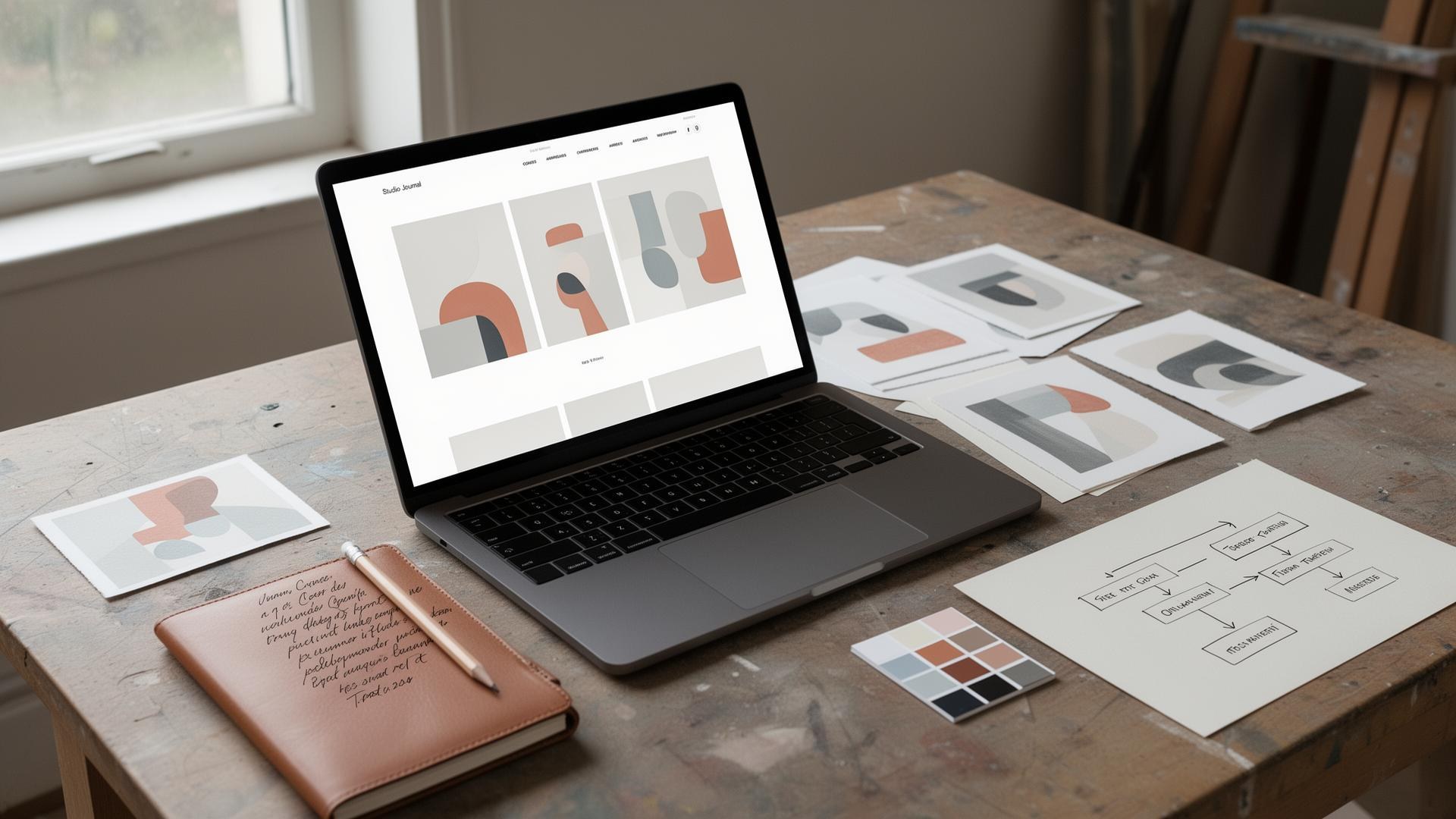
Most artists today have at least three places where their work lives online: an Instagram feed, a profile on one or two online marketplaces, and — somewhere in the background — their own website. The first two are useful. They are also rented space. The platform decides what is shown, who sees it, how the work is framed and, ultimately, whether the account continues to exist at all. An artist website is different. It is the one place on the internet that the artist controls.
This guide is for practising visual artists — painters, sculptors, printmakers, photographers, mixed-media artists — who want a professional website that presents work clearly, supports enquiries and sales, and gives galleries, curators and collectors confidence in the practice behind it. It is not a comparison of website builders, and it is not aimed at music artists, GCSE artist pages, tattoo studios or makeup brands. It is about how to build an artist website that does serious professional work.
Why Artists Need a Professional Website
Social platforms reward attention; an artist website rewards trust. The two are related, but they are not the same thing. A gallery director who has just seen your work at a fair, a curator preparing a group show, a collector who has been quietly watching your practice for two years — none of them will make a decision from an Instagram grid alone. They will go to your website.
A well-built professional artist website gives you:
- Control over presentation. You decide how the work is cropped, sequenced and explained, rather than fitting it into a square or a feed.
- A permanent home for the work. Series, exhibitions and sold pieces remain documented for years rather than scrolling out of view in a week.
- Search visibility. People search for artists by name, by medium, by subject and by location. Your website is what shows up.
- Credibility with galleries, curators and collectors. A clear, calm website signals a serious practice. The absence of one can make it harder for others to understand the seriousness of the practice.
- A place to explain context, process and provenance. Work makes more sense — and holds more value — when it is properly documented.
- Direct enquiries. Messages reach you, not a platform inbox you may or may not see.
Social channels are still worth using. They are simply not a substitute for the professional base.
What an Artist Website Should Do
Before choosing a platform or a template, it helps to be clear about the job the site has to do. A good website for artists should:
- Show the artwork clearly, at a generous size, with good colour and minimal interference.
- Explain who the artist is — practice, background, where the work sits.
- Help visitors navigate available work, sold work and past work without confusion.
- Build trust through specificity: real titles, real dimensions, real exhibition history.
- Make enquiries easy with one obvious contact route.
- Support sales — direct, through enquiry, or via gallery referral.
- Connect the public presentation of each work with the private record behind it, including an artwork record, provenance and a certificate of authenticity where appropriate.
If a page on the site does not contribute to one of those goals, it probably does not need to exist. For a fuller evaluation framework, see What Makes a Good Artist Website?.
What Pages Should an Artist Website Include?
Most artist websites only need a handful of pages, well made. Aim for clarity over volume. The usual question — what to include on an artist website — has a fairly settled answer:
- Home page. A short, confident introduction with a clear visual lead and obvious paths into the work.
- Portfolio or works page. The main route into the work, organised so a busy visitor can understand the practice in two or three minutes.
- Individual artwork pages. One page per work, with full details. This is where most of the credibility lives.
- About the artist. A short biography, a photograph, and the practical facts of the practice.
- Artist statement. A clear written account of what the work is concerned with.
- CV or exhibitions page. Exhibitions, awards, collections, press, education.
- Contact page. One reliable route, with realistic expectations about response time.
- Shop or enquiries page. Either a direct purchase route or a structured enquiry flow.
- Journal, news or process section. Optional, but valuable when maintained.
- Privacy policy and basic terms where the site collects information or sells work.
Most artist websites can launch with the first seven of these and add the rest over time.
Planning Your Artist Website Structure
A good site map is the difference between a portfolio someone can navigate in two minutes and one they give up on. Plan the structure before choosing a template.
Sketch a simple site map first. A page-by-page outline on paper or in a notes app is enough. For most artists the map is shallow: Home → Works → Individual artwork pages; Home → About → Statement / CV; Home → Contact. Two clicks from anywhere to anything.
Keep navigation simple. Five or six top-level links is usually plenty: Works, About, CV, Journal, Contact, Shop. Long menus signal indecision. If a section is hard to name, it is usually hard to find.
Decide how to organise the portfolio. The three patterns that work for most practices:
- By availability — Available Works, Recent Work, Selected Past Work. Best when sales are active.
- By series — one page per series or body of work. Best when the practice is series-driven.
- By medium — Paintings, Works on Paper, Prints, Sculpture. Best when the practice spans formats.
Whatever you pick, be consistent. Mixing all three produces overlapping sections that confuse visitors and dilute search signals.
Separate available work from archived and sold work. Galleries, curators and collectors all want to see what is current and what is documented. Keep "Available" clean and short. Move sold and exhibited pieces into a clearly labelled archive or past-work section rather than deleting them — sold history is a trust signal, and the URLs continue to attract searches for the work.
Use series or collection pages when they help. A series page is useful when several works share a clear concept, period or place. It gives each work context and creates a strong landing page for search. Avoid series pages with only one or two works — they read as thin content.
Plan a clean URL structure. URLs are part of the site's design. Aim for short, descriptive paths: /works, /works/quiet-divides-iii, /about, /cv, /journal/studio-notes-2026. Avoid query strings, random IDs and capital letters. Once a URL is published and indexed, changing it costs traffic — so plan the pattern before populating the site.
Building a Strong Artist Homepage
The homepage has one job: convince a first-time visitor — gallery director, curator, collector, journalist — that this is a serious practice worth a closer look. It should not try to say everything.
Lead with artist name and a short, clear practice statement. A single line is often enough: "Andrew Bowers — paintings of the British landscape, working from a studio in Cornwall." Visitors should know within seconds who the artist is and what they do.
Use one strong hero image or a single selected artwork. No carousels, no auto-rotating sliders, no overlapping animation. One quiet, well-photographed work signals confidence; a stack of unrelated images signals uncertainty.
Apply the three-second clarity test. Open the homepage on a phone and a laptop. Within three seconds a stranger should be able to answer: who is this artist, what kind of work do they make, and where do I click to see more? If any of those three is unclear, the page needs editing, not redesigning.
Give one obvious route into the work. "View available works", "See the current series" or "Enter the portfolio" — one primary call to action, not five. Secondary links (About, CV, Contact) can sit in the navigation; they do not need to compete on the homepage.
Include one quiet enquiry or mailing-list CTA. A small invitation to join a studio list, or a single "Enquire" link, is enough. It keeps the door open without crowding the page.
Design mobile-first. Most first visits are now on a phone, including from galleries and collectors checking a name on the way home from a fair. Test the homepage on a phone before testing it anywhere else. If the hero image, name and primary CTA all fit on one mobile screen without scrolling, the page is doing its job.
Creating an Online Art Portfolio
An artist portfolio website is not an archive of everything you have ever made. It is a curated working selection that helps a visitor understand the practice. For a fuller treatment, see How to Create a Professional Artist Portfolio and Artist Portfolio Examples.
- Curate rather than upload. A tightly edited fifteen works will read more strongly than a sprawling sixty.
- Group by series, medium, subject or availability — whichever genuinely reflects the work.
- Show current work clearly. The most recent body should be the easiest to find.
- Separate sold, archived or exhibition work where it helps. "Available", "Recent work" and "Selected past work" is often enough.
- Use good artwork photography. Honest colour, square-on framing, neutral background. Phone photographs taken in studio light rarely do the work justice — see How to Photograph Artwork for a practical approach.
- Remember that portfolio structure helps search engines as much as visitors. Clear section titles, descriptive page names and consistent metadata make individual works findable.
Use consistent image sizes within each gallery so the work feels considered rather than improvised. The portfolio is the part of the site visitors return to; it should feel calm on every visit.
Writing Artwork Pages That Build Buyer Trust
This is where most websites quietly let artists down. A grid of thumbnails is not a portfolio; it is a contact sheet. Each significant work deserves its own page, and that page is where buyer trust is won or lost.
A strong individual artwork page typically includes:
- Images. One full view at generous size, plus a detail and an in-situ or scale image where helpful.
- Title, medium, dimensions, year. Height × width × depth, with units. No abbreviations a stranger would have to decode.
- Availability. Available, on hold, sold, in a private collection — stated plainly.
- Price or enquiry route. Either a clear price or a single "Enquire about this work" link. Never both ambiguous and absent.
- A short written description. Two or three considered paragraphs that describe the work and the thinking behind it. See How to Write Artwork Descriptions That Help Sell Your Art for a working approach.
- Provenance notes. Where the work has been — studio, exhibition, current collection — recorded with appropriate discretion. See What Is Artwork Provenance? for the underlying principles.
- Certificate of authenticity. A reference to the certificate that will travel with the work at sale. See Certificates of Authenticity for Original Artwork for the standard format.
- Exhibition history if relevant.
- Framing and delivery information. Framed or unframed, packing standards, shipping windows, insurance.
Behind each public page there should be a private record holding the same information, plus the supply-chain detail collectors care about — purchase history, condition notes, an inventory number or archive reference, and the underlying paperwork.
Individual artwork pages outperform simple gallery grids for two reasons. They give a serious enquirer everything they need to make a decision in one place, and they create a separate, indexable URL for each work, which is how search engines and direct links bring new people to the practice.
Artist Biography, CV and Statement Pages
These three documents do different jobs, and the website is stronger when they are not blurred together. For a fuller treatment, see Artist CV and Biography.
- An artist biography is a short third-person summary of who you are and what you do: practice, location, training, key exhibitions, representation. A useful length is 80 to 150 words. The best examples read like the opening paragraph of a gallery press release — factual, calm and specific.
- An artist statement is a short first-person account of what the work is concerned with — typically 150 to 300 words. It explains the practice in the artist's own voice, without theory or hype.
- An artist CV is the factual record: exhibitions, awards, residencies, collections, education, press. It is read by curators, juries and collectors, and it should be specific and easy to scan.
These three documents do not need to say the same thing. The biography introduces the person, the statement introduces the work, and the CV provides the evidence. Together they help galleries, curators, collectors and buyers form a complete picture quickly.
For a section-by-section treatment of the page these texts live on, see the guide to writing an artist About page.
Selling Art From Your Own Website
There are two broad models, and most artists end up doing some of both. For deeper guidance on the commercial side, see How to Sell Artwork Online.
- Direct checkout — buyers add a work to a basket and pay immediately. This works well for prints, smaller originals and editions where the price is clear and the buyer is confident.
- Enquiry-led selling — buyers register interest and the conversation continues by email. This is how most original work above a certain price point is actually sold, and it is how galleries operate.
Across both models, what builds confidence is specificity. Clear pricing where appropriate, transparent enquiry flows where not. Honest delivery information, including shipping windows, packing standards and insurance. A simple statement of returns or terms. And, for original works, the documentation that should travel with the piece: an artwork record held by the artist, a certificate of authenticity issued at sale, and provenance information that protects long-term value.
UK artists selling from their own website should price in £, state whether VAT is included, and be aware that Artist's Resale Right may apply to qualifying sales of original work above the threshold. This is an awareness point rather than legal advice — check current HMRC and DACS guidance before relying on a particular treatment.
To sell art from your own website at any scale, lean on the artwork-page detail above. Buyers convert on specificity, not on persuasion.
Artist Website SEO Basics
Artist website SEO is not about gaming algorithms. It is about making it easy for the right people to find your work.
- Page titles. Each page should have a distinct, descriptive title that includes the most important phrase for that page — typically your name and the page subject.
- Meta descriptions. A clear one-sentence description of the page, written for humans first.
- Headings. One H1 per page, with H2 and H3 used to structure content.
- Alt text. Honest descriptions of each image, not keyword stuffing.
- Internal links. Connect related pages — series to individual works, statement to CV, journal posts to artwork pages.
- Descriptive artwork page URLs.
/works/quiet-divides-iiiis better than/p?id=1042. - Artist name searches. Make sure your full name appears clearly on the home page and in titles. Many enquiries start with someone searching the artist's name after seeing the work in person.
- Medium, subject, location and style searches. "Oil painter, Cornwall", "abstract printmaker", "British landscape painter" — the phrases collectors actually search for.
- UK signals where relevant. A
.co.ukdomain, location mentions on the About page, and £ pricing all help local search; a.comis fine for artists with an international audience. Either is defensible — pick one and use it consistently. - Long-term thinking. SEO for artists is a slow compounding process. A site that is well-structured at launch will climb steadily over the years that follow.
- Avoid keyword stuffing. Repetition reads badly, and modern search engines treat it as a signal of low quality.
Choosing an Artist Website Builder or Platform
There is no single best website builder for artists. The right platform depends on how the artist sells, how often the site is updated, how much design control matters, and how much technical work the artist is willing to take on. The honest answer for most artists is that the platform matters less than the content and structure. A modest site with strong artwork records will outperform a beautifully designed custom build with thin documentation. For a side-by-side view of strong examples, see Best Artist Portfolio Websites.
A useful rubric — weigh each platform against these criteria:
- Cost. Hosting, plan tier, plugins, transaction fees, ongoing maintenance. Most self-built artist websites run £100–£300 per year all-in; a professionally designed build usually starts in the low thousands.
- Ease of updating. Can you add a new work, change a price or mark a piece as sold without help?
- Design control. Does the platform let the artwork lead, or does its template impose visual noise?
- SEO control. Can you edit page titles, meta descriptions, URLs, alt text and structured data?
- Artwork page quality. Does the platform support genuine artwork pages — full details, multiple images, provenance, certificates — or only thumbnail grids?
- E-commerce or enquiry options. Does it match how you actually sell — direct checkout, enquiry-led, or both?
- Ownership and portability. Can you export your content and move it elsewhere if you outgrow the platform?
- Suitability for artists. Many mainstream builders are designed for shops and service businesses; their defaults fight art. Prefer platforms that take portfolio presentation, artwork records and certificates seriously.
DIY paid tiers cover most artists comfortably. Free tiers usually carry platform branding, weaker SEO controls and selling restrictions — a reasonable starting point, not a long-term professional base. Hiring an artist website designer makes sense when the work, the audience or the price points justify it: an established practice, gallery representation, regular commissions, or a clear plan to sell editions and originals directly.
Whichever route you take, content and artwork records matter as much as design. A handsome website with vague artwork pages will lose enquiries that a plainer site with thorough records would win.
Common Artist Website Mistakes
Most artist website problems come from a small number of recurring habits — useful artist website tips usually amount to avoiding them:
- Uploading too much work, with no curation.
- Poor image quality, especially phone snaps in studio light.
- No clear contact route, or contact buried three clicks deep.
- Weak or missing artwork details — no dimensions, no medium, no year.
- No prices and no enquiry guidance, leaving buyers unsure what to do.
- Confusing navigation, with overlapping menus and unclear page names.
- Ignoring mobile layout when most visits are on a phone.
- Skipping SEO basics — generic page titles, no meta descriptions, no alt text.
- Relying only on Instagram and pointing visitors away from the site.
- Treating the website as finished rather than as a living document of the practice.
- For UK sites: collecting enquiry form data without a basic privacy notice or cookie banner. A short, plain-language privacy page covers most needs.
None of these are fatal. Most of them are fixable with a focused review and a few practical updates.
How Vault Canvas Helps Artists Build a Stronger Online Presence
A stronger artist website depends less on the template and more on what sits behind each page. The artwork records, images, descriptions, dimensions, prices, certificates, provenance, exhibition history, availability and enquiry information all need to be organised properly — and stay organised as the practice grows.
Vault Canvas is built for that connection between the public website and the private studio archive. It helps artists:
- Keep a proper artwork record for every work — dimensions, medium, year, materials, location, condition, images.
- Present professional artwork pages built from those records, so the public site and the private archive never drift out of step.
- Issue and recover certificates of authenticity in a consistent format.
- Track provenance from studio through exhibition to current owner, with appropriate discretion.
- Mark works as available, on hold or sold, and keep sold work documented rather than deleted.
- Hold exhibition history and CV detail in one place, reflected on the site rather than retyped.
- Route enquiries about specific works back to the right record, so nothing is lost between inbox and archive.
The result is a website that reads as serious because the system behind it is serious. Galleries, curators and collectors notice. For the underlying principles, see Certificates of Authenticity for Original Artwork, What Is Artwork Provenance? and the artwork archive guide.
Artist Website Checklist
Use this artist website checklist as a final pass before launch, and again every six months.
- Clear, confident home page that passes the three-second clarity test.
- Curated portfolio organised in a way that reflects the work.
- Individual artwork pages with full details — title, medium, dimensions, year, availability, price or enquiry route, description, provenance, certificate reference.
- About page with a current photograph and short biography.
- Artist statement.
- CV or exhibitions page.
- One obvious contact route.
- Good images at consistent sizes.
- SEO titles and descriptions on every page.
- Honest alt text on every image.
- A clear enquiry or sales process.
- Artwork records held privately behind each public page.
- Certificates and provenance information where relevant.
- Tested on mobile, on more than one device.
- A privacy notice and cookie awareness where the site collects information (UK / EU).
- A simple plan for regular updates — new work, new exhibitions, new news.
Frequently Asked Questions About Building an Artist Website
Continue Reading
For related guides in this pillar, see What Makes a Good Artist Website?, Best Artist Portfolio Websites and Artist Portfolio Examples. For the commercial side, see How to Sell Artwork Online and How to Get Your Art Into a Gallery. For the systems behind the public site, see the artwork archive guide and Artwork Management for Artists.