
Digital Asset Management for Artists: How to Organise Artwork Images and Files
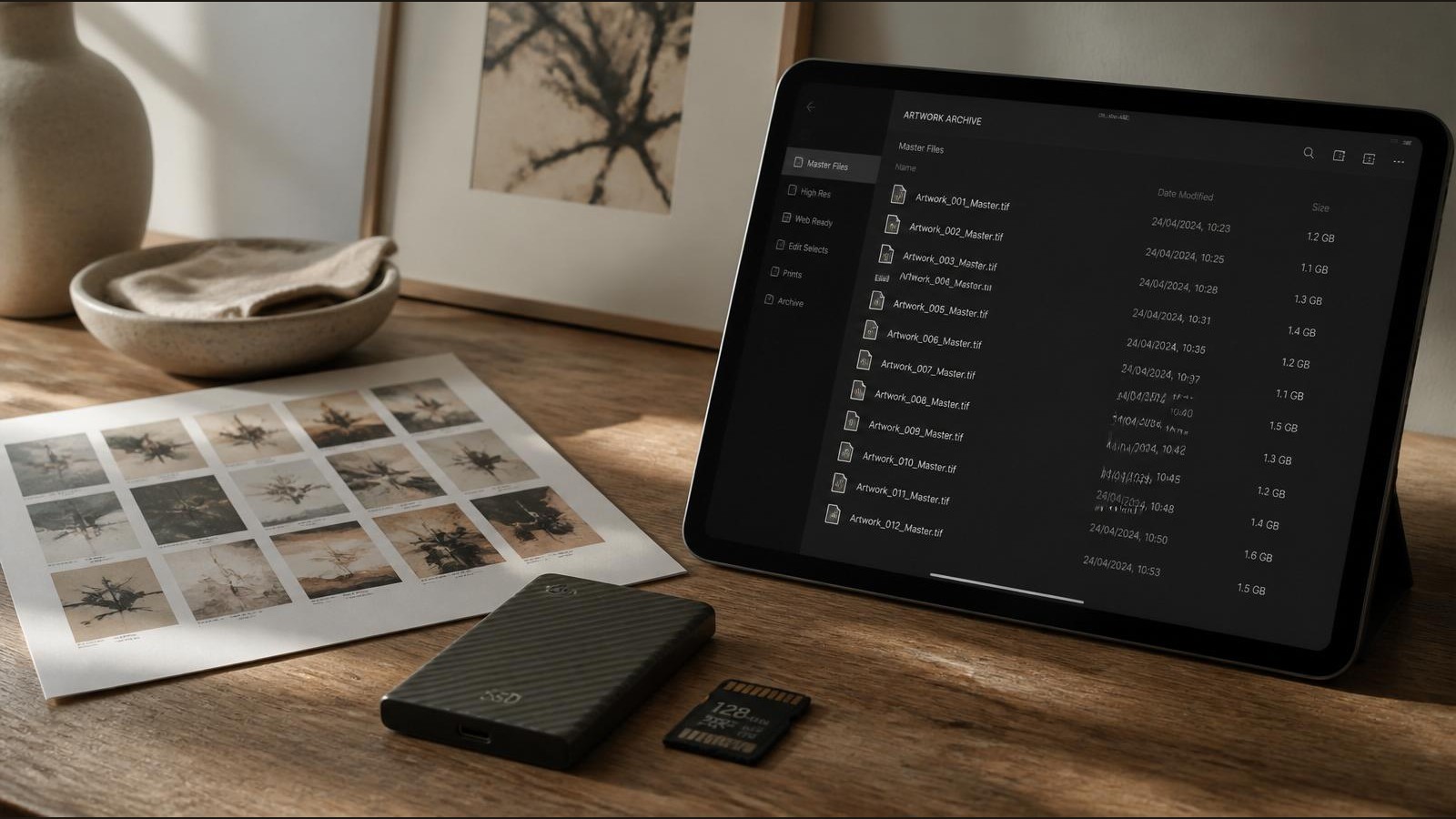
Most artists do not have a file problem. They have a findability problem. Years into a practice, an artist's hard drive, phone roll, email attachments and cloud folders quietly accumulate thousands of images, scans, PDFs and exports. When a gallery asks for high-resolution files of a specific painting from three years ago, or an open call requires a square crop at a specific pixel size, the time lost searching is the real cost.
Digital asset management is the discipline that turns that pile into a working library. For artists, it is not enterprise software. It is a clear set of habits and folder structures so that every artwork image, certificate PDF, mockup, portfolio file and supporting document can be located in seconds and connected back to the artwork it belongs to. This guide explains how to build that system in a way that scales with a working practice.
What Is Digital Asset Management for Artists?
Digital asset management, often shortened to DAM, is the practice of storing, organising, naming, versioning and retrieving digital files in a consistent way. In a commercial context, DAM usually means a dedicated software platform used by marketing teams. For artists, it means something more practical: a deliberate workflow for handling artwork images, supporting documents and the various exports needed for websites, social media, exhibitions, applications and sales.
A good artist DAM system answers a small number of questions quickly. Where is the master file for this painting? Which version is the website crop and which is the print-ready file? Where is the certificate of authenticity PDF for that sold piece? Which mockup did the collector see before purchase? These questions sound minor in isolation, but they appear constantly across a working year.
The aim is not to build a perfect archive. It is to make digital assets dependable. When a request arrives, the file should be where you expect it to be, named in a way you understand, with the supporting documents stored alongside it.
Why Artists Need Better File Organisation
Artists generate far more digital files than is obvious from the outside. A single painting can produce a master photograph, several edited variants, detail shots, in-progress documentation, a framed image, a wall mockup, a square social crop, a website-optimised version, a press version, a print file, a certificate PDF, an invoice and a provenance note. Multiply that across a body of work and the volume grows quickly.
Poor organisation has real consequences. It slows down opportunities, where deadlines for open calls and gallery submissions are often tight. It risks sending the wrong file or an outdated version to a buyer, gallery or publication. It complicates record keeping, which matters for sales, tax, insurance and provenance. It makes long-term archiving harder, which matters when looking back at older work for exhibitions, retrospectives or an artist record keeping review.
A workable system also reduces the cognitive load of running a practice. Searching, renaming and re-exporting files is a quiet drain on studio time. A consistent structure removes most of that friction.
What Digital Assets Should Artists Keep?
The first step is being honest about which files matter. Not everything needs to be archived, and trying to keep everything usually leads to keeping nothing well. The core categories for most working artists are:
- Master photographs of finished work, captured at the highest practical resolution.
- Edited or colour-corrected versions of each master image.
- Detail and close-up images that show surface, texture, edges and signatures.
- In-progress or studio documentation, useful for context and storytelling.
- Framed images and installation shots when relevant.
- Mockup images showing the work in a room or on a wall.
- Website-optimised versions sized for fast loading.
- Social media crops in the formats each platform expects.
- Open call and submission images at the dimensions specified by organisers.
- Press and publication versions at print resolution.
- Certificates of authenticity, provenance notes and condition reports as PDFs.
- Invoices, receipts and sales documents tied to specific works.
- Portfolio PDFs, artist biography, CV and statement documents.
- Artist headshots and studio portraits used for press and applications.
These map closely to the supporting files described in the artwork documentation checklist, and they form the backbone of a digital archive that can support sales, exhibitions and applications without scrambling.
Artwork Photography and Image Files
The single most important digital asset for any artist is a clean, well-exposed master photograph of each finished work. Everything else, from website crops to press files, derives from that master. Investing time in how to photograph artwork properly, with even light, accurate colour and a square-on perspective, removes most downstream problems.
Master files should be saved in a lossless or high-quality format. TIFF or maximum-quality JPEG are both reasonable for photographs of paintings, drawings and prints. RAW files from a camera are worth keeping if storage allows, but the edited master is what most workflows draw from. Resolution should be high enough to support print reproduction at a reasonable size, typically 300 dpi at the artwork's actual dimensions or larger.
From the master, derive the working versions. A typical set might be:
- A print-ready file at full resolution.
- A press file at around 3000 pixels on the long edge.
- A website hero version at around 2000 pixels on the long edge.
- A thumbnail at around 800 pixels for quick previews.
- Social crops at platform-specific sizes.
Keep the masters untouched. Treat every other file as disposable, generated from the master when needed. That principle alone prevents most of the version chaos artists run into over time.
File Naming for Artwork Images
Consistent file naming is the most underrated part of digital asset management. A good name tells you what the file is without opening it, sorts predictably in any folder, and can be searched across thousands of files in seconds. A poor name like "IMG_4827.JPG" or "final final v2.jpg" does none of those things.
A reliable structure for artist files is:
YYYY-INVENTORY-TITLE-SLUG-PURPOSE-SIZE.EXT
For example:
2025-AB0142-quiet-divides-master.tif2025-AB0142-quiet-divides-web-2000.jpg2025-AB0142-quiet-divides-social-square.jpg2025-AB0142-quiet-divides-detail-01.jpg2025-AB0142-quiet-divides-framed.jpg2025-AB0142-quiet-divides-mockup-livingroom.jpg2025-AB0142-quiet-divides-coa.pdf
The year and inventory number anchor the file to a specific work. The title slug makes the file human-readable. The purpose tag explains what the file is for, and the size or variant clarifies which version it is. Use lowercase, hyphens instead of spaces, and avoid punctuation that can cause problems across operating systems. Once a naming convention is in place, stick to it. Inconsistency is what makes files unfindable.
This naming approach pairs directly with the inventory numbers used in an artwork inventory system, so a single ID connects the physical work, its inventory record and every digital file that belongs to it.
Folder Structures for Artist Archives
Folder structure is the second half of file naming. A well-organised folder tree makes navigation predictable even when the catalogue grows into the thousands of files. Most artists are best served by a structure organised first by year, then by artwork, with consistent sub-folders inside each work.
A workable top-level structure:
Artwork Archive/
  2023/
  2024/
  2025/
    AB0142-quiet-divides/
      01-masters/
      02-web/
      03-social/
      04-print-press/
      05-mockups-framed/
      06-details/
      07-documents/
      08-progress/
The numbered prefixes keep the sub-folders in a sensible order. Every artwork gets the same internal structure, so opening any work feels familiar. Supporting documents like certificates, invoices and provenance notes live inside the artwork's folder, not in a separate filing system. That keeps the digital archive aligned with the physical and administrative life of the work, in the same spirit as an artwork archive database record system.
For files that are not artwork-specific, such as artist biography, CV, headshots, portfolio PDFs and templates, keep a parallel top-level folder:
Artist Practice/
  bio-cv-statement/
  headshots/
  portfolio-pdfs/
  press/
  templates/
  contracts-invoices/
The key principle is that a file should have one obvious home. If there is any ambiguity about where something belongs, the system needs tightening, not more folders.
Open Call and Exhibition Submission Files
Open calls and exhibition submissions are where poor file management costs artists the most. Deadlines are tight, requirements vary, and many applications are rejected on technical grounds rather than the work itself. A prepared submission pack solves most of this.
For each artwork that is regularly submitted, prepare a submission-ready set:
- A high-quality JPEG at 300 dpi suitable for print catalogues.
- A standard web-quality JPEG sized to common open call specifications, often around 1920 pixels on the long edge with a file size under two megabytes.
- A square crop and a landscape crop for organisers who request specific framings.
- A short caption file with title, year, medium, dimensions and price.
Store these inside the artwork's folder under a clearly labelled sub-folder. When an open call opportunity appears, the submission becomes assembly rather than creation under pressure.
Keep a small log of which works have been submitted to which open calls and the outcome. This avoids accidental duplicate submissions and helps track which works are eligible for opportunities that exclude previously exhibited pieces.
Certificates, Provenance and Supporting Documents
Digital asset management is not only about images. The PDFs and documents that accompany a work are part of its long-term value, and treating them with the same care as image files protects both the artist and the collector.
Each sold or available artwork should have its supporting documents stored inside its own folder. A typical set includes:
- The certificate of authenticity as a signed PDF. Guidance on what these should contain is covered in certificates of authenticity for artwork.
- A provenance note summarising the work's ownership history. The principles behind this are covered in what is artwork provenance.
- A condition report at the point of sale or exhibition.
- Sales invoices and receipts.
- Any correspondence relevant to attribution, exhibition or publication.
Naming these consistently matters as much as for images. A certificate file named 2025-AB0142-quiet-divides-coa.pdf is immediately recognisable. A file named scan2.pdf is effectively lost. Where original signed documents exist on paper, scan them at a reasonable resolution and store the scan alongside the digital records, while keeping the original safely filed in physical form.
Connecting Digital Assets to Artwork Records
Digital files are most useful when they are connected to the artwork record they belong to, not floating in isolation. The connection is usually made by the inventory number. If every file for a work begins with the same inventory ID, and the artwork's row in the inventory or catalogue references that ID, the two halves of the system stay in sync.
A simple way to maintain this link is to store the artwork's folder path or a key file reference inside the catalogue entry itself. In a spreadsheet, this might be a column listing the folder name. In a more structured system, it can be a direct link or a foreign key. This is part of broader artwork management for artists, where the practice, the records and the files all reference one another.
The benefit is practical. When a buyer asks for additional images, the catalogue entry leads straight to the folder. When a press request arrives, the same path leads to the print-ready file and the artist biography. When a work is sold, the certificate and invoice are added to the same folder, completing the record.
Backups, Cloud Storage and Long-Term Access
A digital archive that exists in only one place is not an archive. It is a single point of failure. Backups are the part of digital asset management that artists most often neglect and most often regret.
A workable backup approach follows the standard 3-2-1 principle: three copies of the data, on at least two different storage types, with at least one copy stored off-site. For most artists this looks like:
- The working archive on the studio computer or main drive.
- A local backup on an external hard drive, updated regularly.
- An off-site copy in cloud storage, such as a reputable cloud backup service or a sync service used carefully.
Cloud sync services are convenient but are not a backup on their own, because deleting a file locally also deletes it in the cloud. A dedicated backup service that keeps historical versions is more robust. External drives should be replaced every few years, since they degrade over time.
For long-term access, favour open and widely supported file formats. JPEG, TIFF and PDF will remain readable for decades. Proprietary formats tied to a single piece of software are riskier. When exporting from editing software, always keep a flat, widely compatible version alongside any layered working file.
Common Digital Asset Management Mistakes
Several patterns appear repeatedly in artist archives and are worth avoiding from the start.
- Relying on file names like "final", "final2" and "final-real". Use dated versions or version numbers instead.
- Keeping everything in a single flat folder. Even a clear naming convention strains under thousands of unsorted files.
- Storing artwork files inside email attachments or messaging apps. These are not archives and files are easily lost.
- Editing the master file directly rather than working from a copy.
- Allowing phone photos to drift into the archive without renaming or sorting.
- Storing certificates and invoices in a separate system from the image files they refer to.
- Skipping backups because the studio computer feels reliable.
- Renaming or moving files inside a catalogue system without updating the references.
Most of these are small problems individually. Together they make an archive unreliable, which is the only quality that really matters.
Digital Asset Management Checklist for Artists
A short, repeatable checklist for each finished work keeps the system consistent over time.
- Original master image file saved at full resolution in the masters sub-folder.
- Edited and colour-corrected master saved alongside the original.
- Detail images captured and saved with consistent naming.
- Framed image and at least one mockup image prepared where relevant.
- Website-optimised version exported at the standard hero size.
- Social media crops exported for square, portrait and landscape formats.
- Open call submission files exported at standard specifications.
- Certificate of authenticity PDF stored in the artwork folder.
- Provenance and supporting documents added as PDFs.
- File naming follows the standard convention with year, inventory number, title slug and purpose.
- Folder structure follows the standard sub-folder layout.
- Local backup updated on an external drive.
- Off-site or cloud backup confirmed for the period.
- Linked artwork record updated to reference the folder.
- Image usage notes recorded, including any licensing or restrictions.
- Older versions archived rather than overwritten, with clear version markers.
Running this checklist as part of finishing a work, rather than as a separate task months later, is what keeps an artist archive in order.
Spreadsheet, Cloud Folder or Artwork Archive System?
There is no single correct tool for managing artist digital assets, but the trade-offs between the common options are worth understanding.
A spreadsheet paired with a disciplined folder structure works well for small to medium archives. It is cheap, portable and easy to back up. Its weakness is that the link between the spreadsheet row and the folder is maintained by hand, and it offers no enforcement of naming or structure.
Cloud folder services like commercial sync drives are flexible and handle off-site storage well. They are weaker as catalogue systems, since they do not naturally store structured information about each work. They are best used as the storage layer underneath a separate catalogue.
Dedicated digital asset management software exists, but most enterprise tools are heavy and expensive for an individual artist. Lighter image library tools can work, but they often live outside the artist's broader records.
A purpose-built artwork archive system aims to combine the catalogue and the digital assets in one place, with consistent naming, folder structure, supporting documents and inventory all connected. For a working artist with a growing body of work, this is usually the most resilient long-term answer.
How Vault Canvas Helps Artists Manage Artwork Images and Files
Vault Canvas is built around the idea that artwork images, supporting documents and artwork records belong in the same system rather than spread across folders, drives and spreadsheets. Each artwork has its own record, and the images, mockups, certificates and notes attached to it stay connected to that record over time.
In practice, that means uploading the master image of a finished work and having the website version, gallery view and shareable links generated from the same source. Certificates of authenticity, provenance notes and private records sit alongside the work rather than in a separate filing system. When the work sells, the sale, the invoice and the documents stay attached to the record, which makes future enquiries, exhibitions and provenance checks straightforward.
The aim is not to replace every tool an artist already uses, but to remove the gap between the image, the document and the record. When those three live together, digital asset management stops being a separate discipline and becomes part of how the practice runs day to day.
Frequently Asked Questions About Digital Asset Management for Artists
Digital asset management for artists is the practice of storing, naming, organising and backing up the digital files connected to a practice, including artwork images, mockups, certificates, supporting documents and portfolio files, so that any file can be found quickly and used confidently for sales, exhibitions and applications.
At minimum, artists should keep master photographs of each finished work, edited and web-optimised versions, detail and framed images, social media crops, certificates of authenticity, provenance notes, invoices, portfolio PDFs, an up-to-date biography and CV, and high-resolution artist headshots. Everything else is supporting material that can be regenerated from these core files.
A reliable convention is year, inventory number, title slug, purpose and size, for example 2025-AB0142-quiet-divides-web-2000.jpg. Using lowercase, hyphens instead of spaces and a consistent order means files sort predictably and can be searched across the whole archive without ambiguity.
A workable structure is a top-level archive folder, with sub-folders by year, then by artwork. Inside each artwork folder, use consistent numbered sub-folders for masters, web versions, social crops, print files, mockups, details, supporting documents and progress shots. Every artwork uses the same internal layout, which makes navigation predictable.
Keep one untouched master file and a small set of standard derived versions, typically a print-ready file, a press file, a website hero, a thumbnail and the main social crops. Avoid generating endless one-off variants. Treat derived files as disposable and regenerate them from the master when needs change.
Most artist websites benefit from a hero image around 2000 pixels on the long edge and a thumbnail around 800 pixels, both exported as JPEG at balanced quality. Keeping file sizes modest is important for load speed, especially on mobile, which directly affects how visitors experience the site.
Open calls typically request high-quality JPEGs at 300 dpi for print and standard web-quality versions sized to specific pixel and file-size limits, often around 1920 pixels on the long edge and under two megabytes. Preparing a submission-ready set for each artwork in advance turns applications into assembly rather than rushed exporting.
Yes. Storing certificates of authenticity, provenance notes, condition reports and related documents inside the artwork's own folder, alongside its images, keeps the work's full record in one place. It also makes future sales, exhibitions and enquiries much simpler to support.
Artwork inventory management tracks the works themselves as items, including their status, location, price, availability and sales history. Digital asset management organises the files connected to those works, including images, mockups, documents and portfolio assets. The two systems are most effective when they share a common inventory number so each file can be traced to its work.
Cloud folders can act as the storage layer for an artist archive, but they are weaker as catalogue systems because they do not naturally hold structured information about each work. Used alongside a disciplined folder structure and a separate catalogue, they are a reasonable foundation. Used alone, they tend to drift into disorder as the archive grows.
Follow the 3-2-1 principle: three copies of the archive, on at least two different storage types, with one copy off-site. In practice that usually means the working archive on the main computer, a regular backup to an external drive, and a cloud backup that keeps historical versions rather than only mirroring the current state.
Vault Canvas keeps artwork images, supporting documents and artwork records connected in one system. Each artwork has its own record with its master image, derived versions, certificates, provenance notes and sale history attached, so digital assets stay aligned with the artwork they belong to rather than living in separate folders and tools.